Settings
Manage your account: the name shown in dev-doc, your email address, how dev-doc looks, and how you sign in.
What this page is forUpdate your profile, theme and sign-in method.
Open it fromYour initials at the top-right → Settings.
Typical next stepBack to your projects.
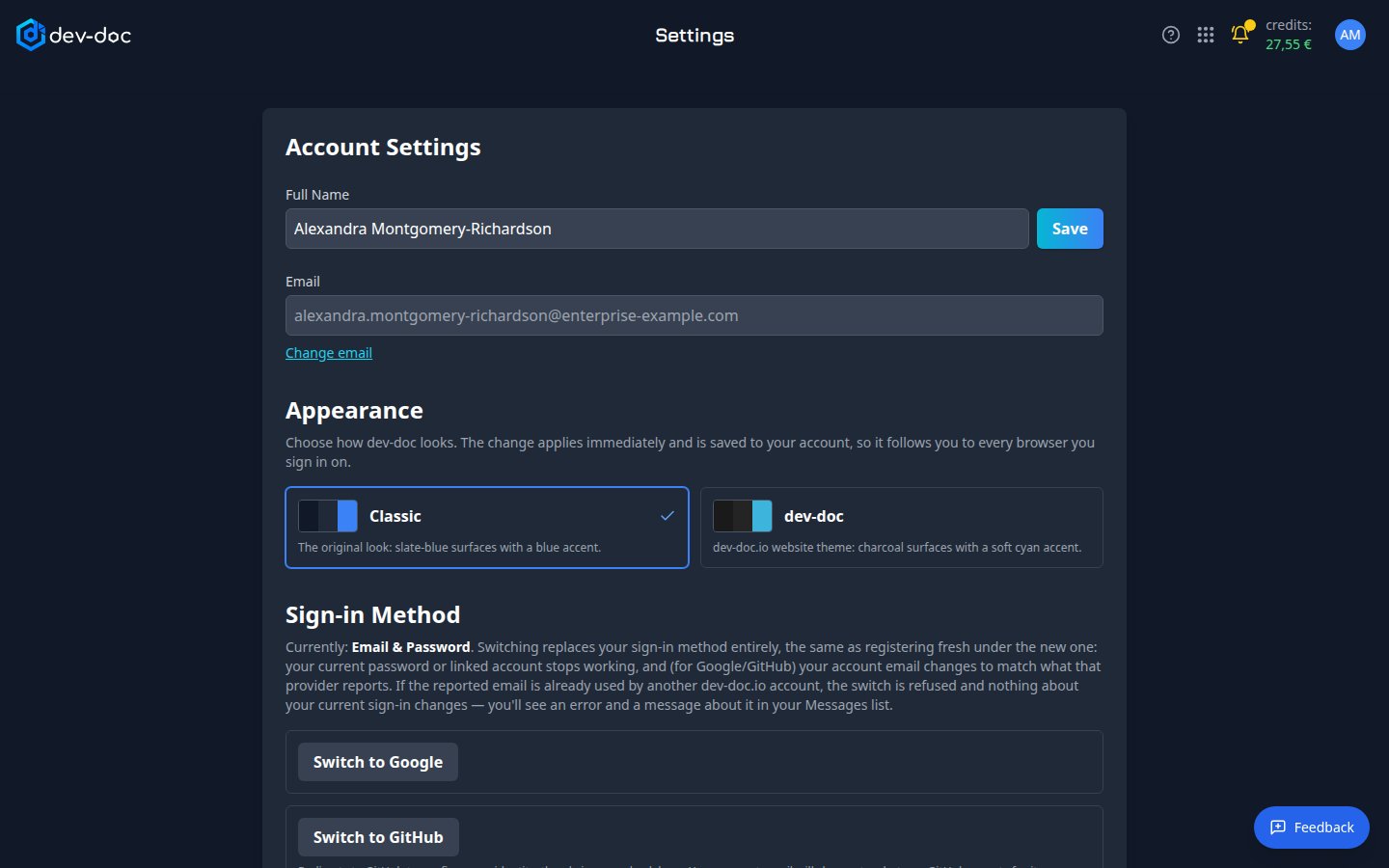
- Full name — the name shown in dev-doc; your initials in the top bar come from it. Click Save after changing it.
- Change email — for email sign-in: enter the new address and your current password. The change takes effect once you confirm it from the new address.
- Appearance — choose the colour theme: Classic (the default — the original slate-blue look) or dev-doc (charcoal with a soft cyan accent, like the dev-doc.io website). It applies at once to every page, including this Help Center, and is saved to your account: whenever you sign in — on any browser or computer — dev-doc appears in your chosen theme.
- Sign-in method — switch between email & password, Google and GitHub. Switching replaces your sign-in method entirely — your old password or linked account stops working, and for Google/GitHub your account email becomes the one that provider reports.
Switching is refused if the email is taken. If the new provider reports an email already used by another dev-doc account, nothing changes and you get a message explaining why.