Sign in & account access
Sign in with Google, GitHub, or your email address and a password. This page also covers creating an account, activating it and resetting a forgotten password.
What this page is forGet into your account, or create one.
Open it fromSign In at the top-right of any public page.
Typical next stepThe home page, then Import Project.
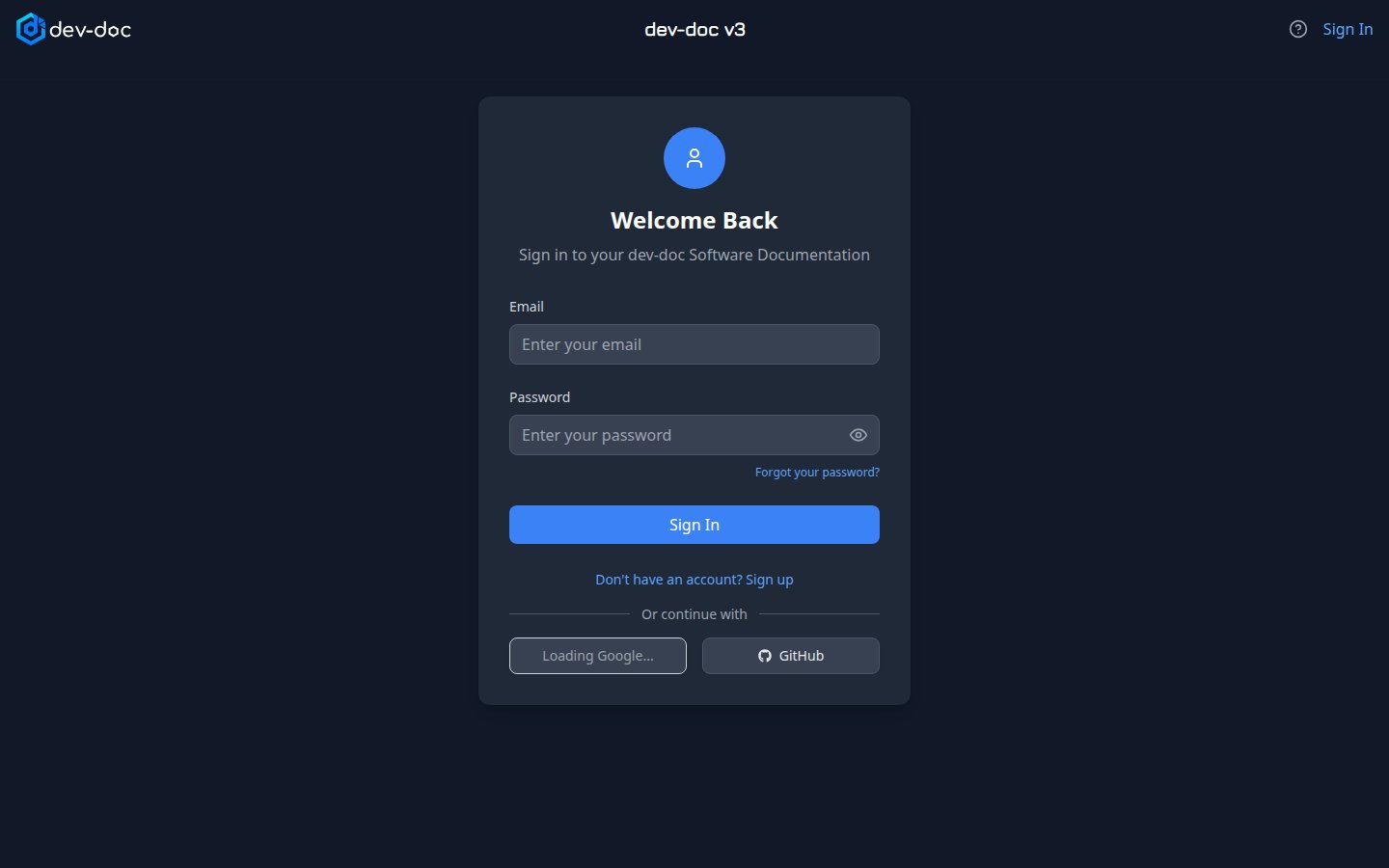
- Email and password — for accounts registered with email. The eye icon shows the password while you type.
- Forgot your password? — sends a reset link to your email address. Open it and choose a new password.
- Sign In — signs you in and takes you back to the page you originally wanted to open.
- Sign up — switches the form to registration. You receive an activation email; click its link before your first sign-in. A link ending in
/signupopens the form directly in registration mode. - Google / GitHub — sign in with your Google or GitHub account in one click — no separate password needed.
Activating a new account
After signing up with email, dev-doc shows the address the activation link was sent to. Open the email and click the link; the activation page confirms the account and you can sign in. No email? Check your spam folder.
Switching how you sign in
You can move from email to Google or GitHub (or between them) later, in Settings → Sign-in Method.
Sessions
For your security you are signed out after a period of inactivity. Sign in again and dev-doc takes you back to where you were.