Credits Usage
A statement of your credits: everything that was added to your balance, and every run that used credits, one line per run.
What this page is forCheck your balance and what each project run cost.
Open it fromCredits Usage in the app menu.
Typical next stepTop up on Purchase Credits.
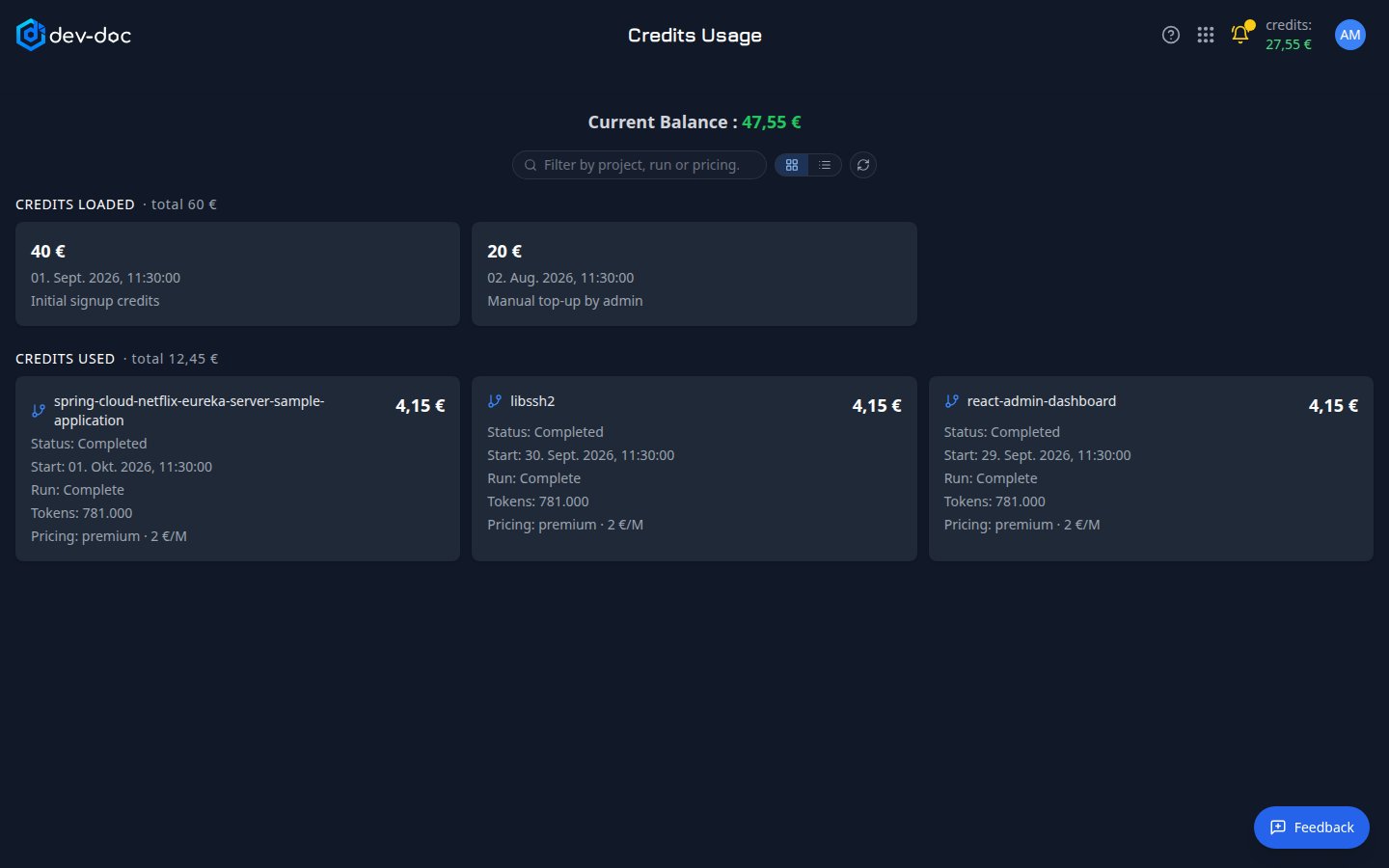
- Current balance — credits loaded minus credits used.
- Filter and refresh — filter the runs by project name, run type or pricing model; refresh reloads the figures.
- Credits loaded — every addition to your balance — the starter credits, purchases and any top-ups — with date and a comment.
- Credits used — one line per analysis run: cost, start time, run type (complete or incremental), project and its status, the amount of AI text processed (tokens) and the pricing model with its rate. Long histories are paged.
- Card or table view — show both lists as cards (the default) or as tables. Your choice is remembered.