Messages
dev-doc sends you a message when a run completes or fails, and about important account events. The bell in the top bar shows when there is something new.
What this page is forRead notifications about your projects and account.
Open it fromThe bell icon in the top bar.
Typical next stepOpen the project the message is about.
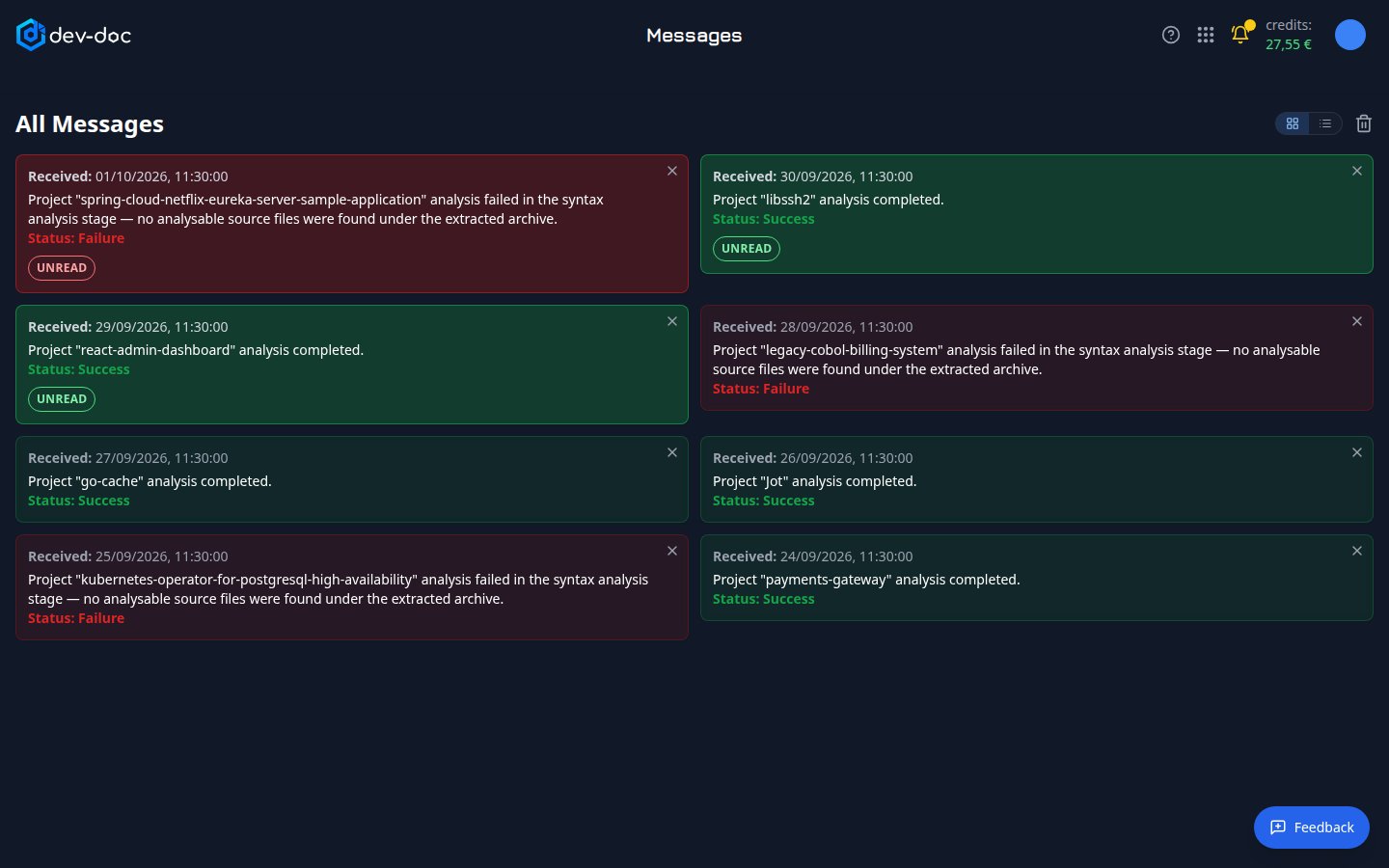
- Message — when it arrived, what happened, and the outcome. Green messages report success, red ones a failure with its reason.
- Unread — marks messages you have not seen yet. Opening this page marks them as read after a moment.
- Delete message — removes one message.
- Delete all — removes every message after a confirmation.
- Card or table view — show your messages as cards (the default) or as a table with one row per message. Your choice is remembered.