Project · Architecture
The Architecture tab draws your software at four zoom levels using the C4 model — from who uses the system down to the classes that implement it — followed by the written architecture description.
What this page is forSee how the system is structured and how its parts depend on each other.
Open it fromThe Architecture tab of a project, or its button on the project card.
Typical next stepRecord important decisions on Governance.
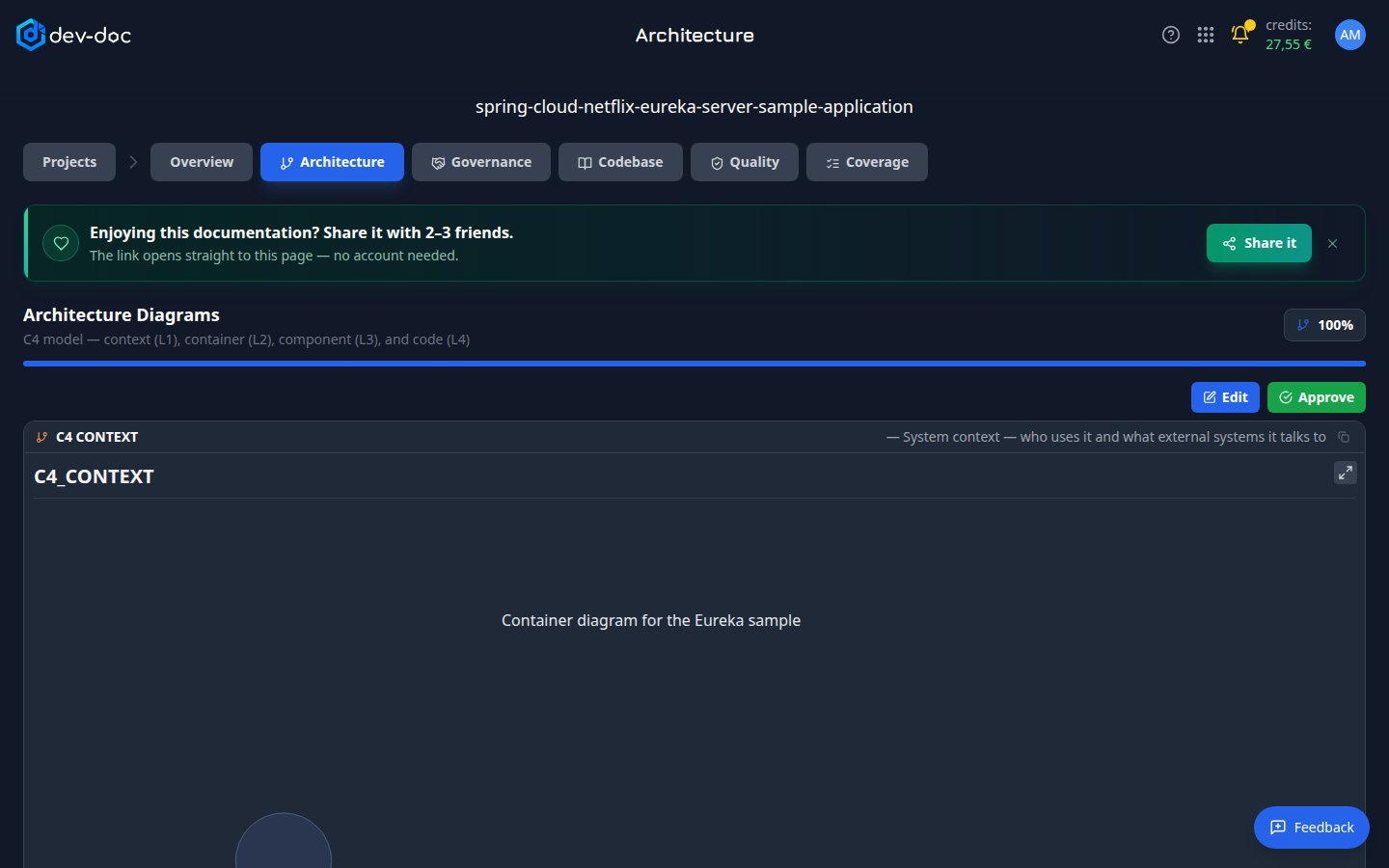
- Architecture progress — how many diagrams and sections are finished. The bar fills while they are being written.
- Edit / Approve — correct the diagram source, then approve it. Approved diagrams are kept on a complete re-run.
- Diagram title — which C4 level this card shows, with a one-line description of the question it answers.
- Copy — copy the diagram source.
- The diagram — drag to pan, scroll or pinch to zoom. People are drawn as figures, systems and containers as boxes, arrows show who uses or calls whom.
- Expand — the button in the diagram's top-right corner opens it full screen to zoom and pan.
The four levels
| Card | Shows |
|---|---|
| C4 Context (L1) | Your system as one box, the people who use it and the outside systems it talks to. |
| C4 Container (L2) | The applications, services and data stores your system consists of. Tests, examples and benchmarks appear in a separate "not deployed" group. |
| C4 Component (L3) | The components inside the main module and how they depend on each other. |
| C4 Code (L4) | The classes and interfaces behind the components. Interfaces are marked «interface». |
Very large diagrams
When a diagram has too many boxes to read, dev-doc first shows an Overview: related boxes are grouped, each group showing how many items it holds. Click a group's button to open just that part, and use the breadcrumb to go back up. Full shows the complete diagram.
From a diagram to the code
On the Code (L4) diagram, classes that belong to exactly one file are listed as buttons under the diagram. Click one to open that file on the Codebase tab (when codebase analysis was included).